From Client Intake to Paid Invoice, in One Linear Flow.
OperationBegin is a mini-CRM built for freelancers and small teams who need a clear, opinionated path from client intake to final invoice. No complex setup—just a better way to work.
Get 7 days for free. Cancel whenever.
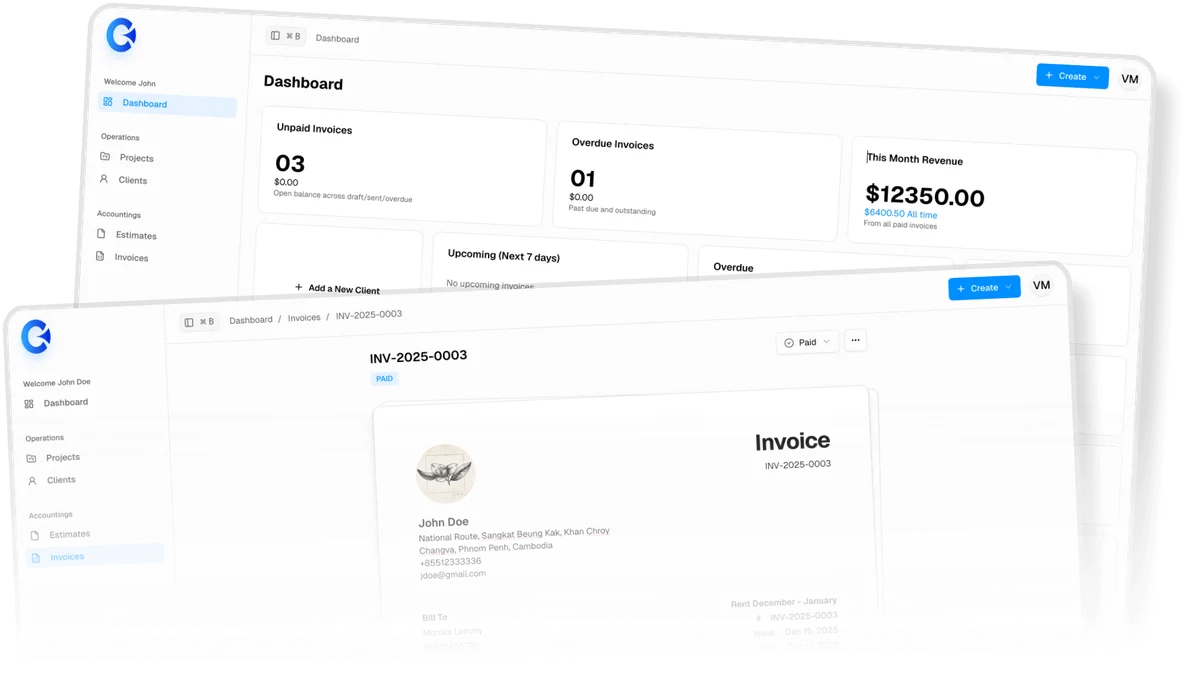
The Opinionated Workflow
We don't do "everything." We do the right things in the right order.
Define the Client
Build a detailed profile with contact info, status tracking, and internal notes.
Start the Project
Launch a dedicated Kanban board (Todo, Doing, Done) with Markdown-powered tasks and due dates.
Bill the Work
Generate PDF estimates and invoices instantly, pulling data directly from your client and project files.
Features Breakdown
The Focused Toolkit. Every feature is built to serve a specific stage of your workflow. No bloat, no unused tabs.

Structured Client Management
Track names, communication channels, and company data in one place.
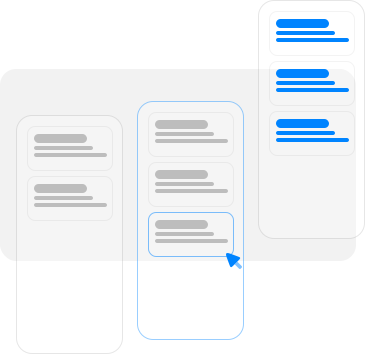
Integrated Kanban Boards
Manage work visually. Use our Markdown editor for detailed task descriptions and auto-previews.
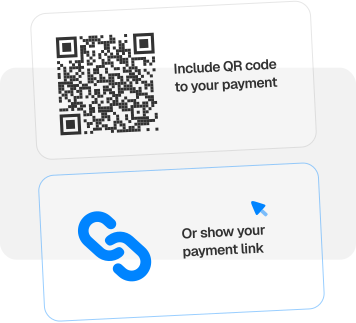
Flexible Payments
Link to your preferred payment gateway or display a custom QR code. You stay in control of your funds; we just help you get them.
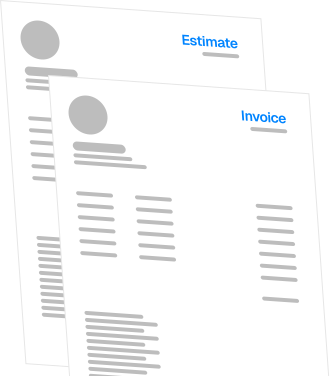
Professional Documentation
Create sleek, PDF-ready estimates and invoices. Include your company terms and custom notes with a toggle.
The Protocol
Business has a rhythm. You don't send an invoice before you have a client, and you don't start a project before you know who it's for. Just like you instinctively reach for a mouse to move a cursor, OperationBegin follows a linear protocol that mirrors how work actually happens.
Define Your Identity
Before you can bill anyone, you need to know who you are. Set up your company profile and payment details once. This becomes the foundation for every document you generate.
Establish the Relationship
Every job starts with a person. Create a Client Profile to house contact details, communication channels, and internal notes.
Map the Work
Create a Project board. Use the Markdown editor to outline tasks and set due dates. This is where the actual labor happens.
Seal the Deal
Once the scope is clear, generate an Estimate or Invoice. Because you are setup, the app pulls company data automatically. No double-entry, no typos.
Close the Loop
Track your progress by updating a project from "Doing" to "Done," or an invoice from "Sent" to "Paid." You always know exactly where your business stands.
Pricing
Simple, Transparent Plans. Choose the plan that matches your current volume. We don't take a commission on your invoices; we just provide the platform to manage them.
- Unlimited invoices
- Unlimited estimates
- Unlimited projects
- Unlimited tasks
- Unlimited clients
- 7 days free trial
- Email support

Professional Billing Without the Platform Tax.
Use OperationBegin mini-CRM designed to get you from client intake to a paid invoice in the fewest steps possible.
Get StartedGet 7 days for free. Cancel whenever.
Frequently Asked Questions
Honest answers about our opinionated protocol, how we handle payments, and why we built OperationBegin the way we did.
General Questions
Payments & Billing
Plans & Data
Features & Editor
From the Founder
I built OperationBegin to be the tool I actually wanted to use. It’s built on a specific, opinionated protocol because that’s how I manage my own freelance business today.
I built this because I’m a designer, not a project manager.
For years, I hopped between spreadsheets and bloated tools. I found myself spending more time updating my tools than actually doing the work. I didn't need a thousand features; I just needed a clear path from a new client to a final invoice while also using my own way of receiving payment.
— Vannrith Va (Souris).